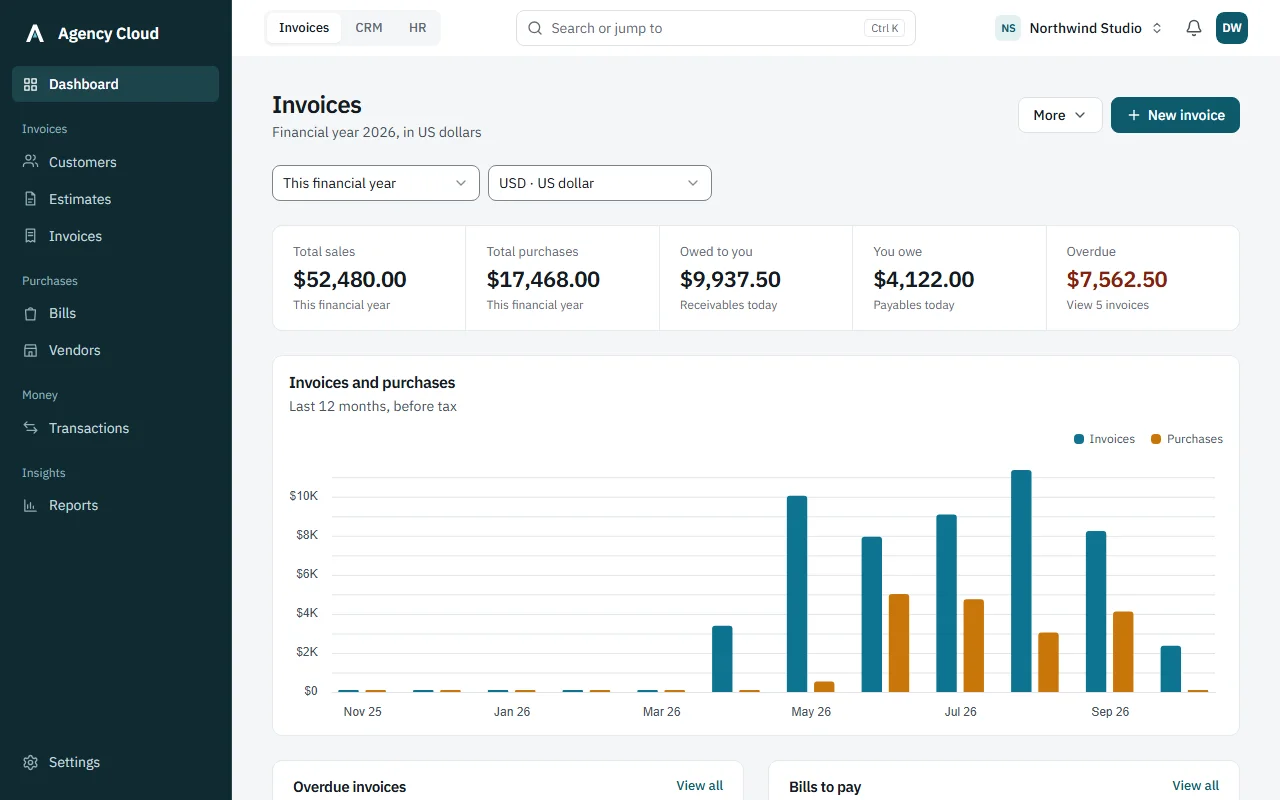
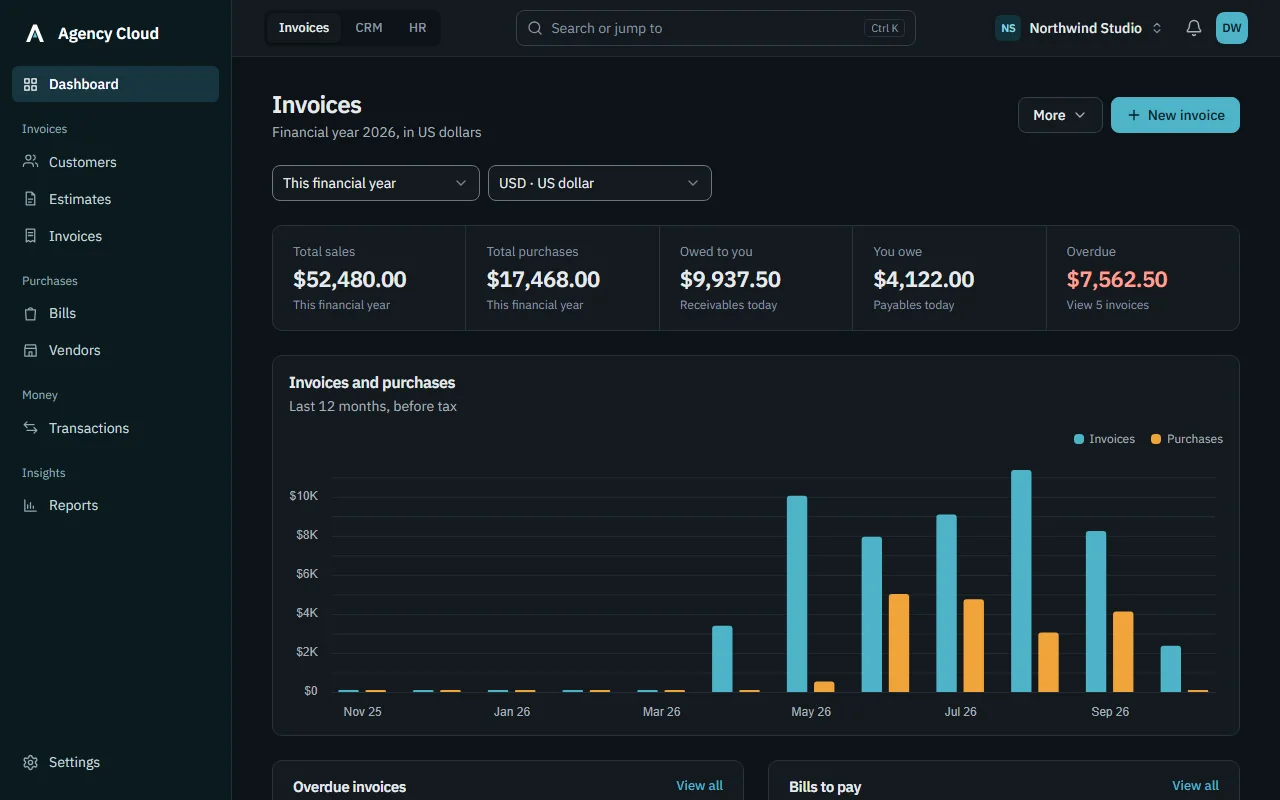
Step into Northwind Studio, a design and marketing agency with customers, invoices, a sales pipeline, a team and payroll already in place. No sign-up and no card: we fill in the login, you press one button.
Every module is filled in: invoices, CRM and HR.
Click through anything. Edit pages open, but nothing you change is saved.
Invoices and recurring invoices with PDF and email
CRM
Drag-and-drop pipeline with follow-up reminders
HR
Check-in with an office radius, plus work-from-home
What teams say
“We used to chase invoices in one app, leads in a spreadsheet and leave over email. Now it all lives in one place, and our payment reminders go out without anyone remembering to send them.”
RDRonald D’souzaCo-Founder, Mea Vita
“When a proposal is signed, the client is already set up and ready to invoice. For a small team like ours, not typing the same details twice saves hours every month.”
RSRahul SulegaokarFounder, BuildnBoost
Simple pricing
Start free with no card. Paid plans come with a free trial, and changing plans never deletes your data.
Free
Everything you need to start invoicing, on your own.
Yes. The free plan has no time limit and doesn’t ask for a card. It is for one person getting started with invoices; the pricing table above shows exactly what it includes, and you can upgrade whenever you need more.
Can I try a paid plan, switch plans or cancel?
Paid plans come with a 14-day free trial, with no card needed to start it. You can change plans at any time from the billing page. Downgrading never deletes your data: anything over the new limits stays readable, you just can’t create more.
Can I control what each person sees?
Yes. Owner, Admin, Accountant, Sales, HR Manager, Manager and Employee roles are ready to use, and you can edit what each role can do. Nobody can give someone more access than they have themselves.
Can clients sign proposals online?
Yes. You send a secure link; the client signs by typing or drawing their name. The text is locked once sent, and both sides receive the signed PDF by email.
Do payment reminders go out automatically?
Yes. Invoices past their due date are marked overdue and reminders are emailed on your schedule, once each. On the Agency plan, retainers can be set to invoice themselves every month.
Does it handle GST and VAT?
Yes. Add as many taxes as you need to an invoice, such as CGST and SGST together, or VAT. Each is worked out on the subtotal after any discount, and your tax number is printed on every invoice. Tax a customer deducts at source (TDS) can be recorded against the payment.
How does payroll handle unpaid leave and absences?
Each month the payroll run works out every person’s working days, then deducts approved unpaid leave and days marked absent. You review and adjust before finalising, then payslips are emailed as PDFs with your logo.
Who can see salaries and bank details?
Only people with the right permission. Bank and ID details are encrypted, shown masked, and readable only by HR roles. Employees see their own payslips and nobody else’s.
Is my company’s data separate from other companies?
Yes. Every record belongs to one company and every query is limited to it. If you work with several companies, you switch between them with one login, and each keeps its own people, roles and invoices.